


Custom QuickBooks Integration for Franchise Businesses: A Complete Guide
Running a franchise business comes with plenty of moving parts. You're managing different locations, tracking sales, reviewing expenses, calculating royalties, and making sure financial information is accurate across the entire network.
Now imagine doing all of that while your locations use different POS systems, payroll platforms, and business management software. Your accounting team may spend hours collecting reports, updating spreadsheets, and entering transactions into QuickBooks.
It might work when you have five locations. But what happens when your franchise grows to 50, 100, or even 500?
That's where custom QuickBooks integration makes a difference.
Instead of manually moving financial data between disconnected systems, a custom integration helps automate how information flows into QuickBooks. For franchise businesses, this means less repetitive work, more consistent accounting, and better visibility into financial performance.
In this guide, we'll explore how custom QuickBooks integrations work, why franchise businesses need them, and how Autymate helps growing franchise networks simplify their accounting operations.
What Is Custom QuickBooks Integration?
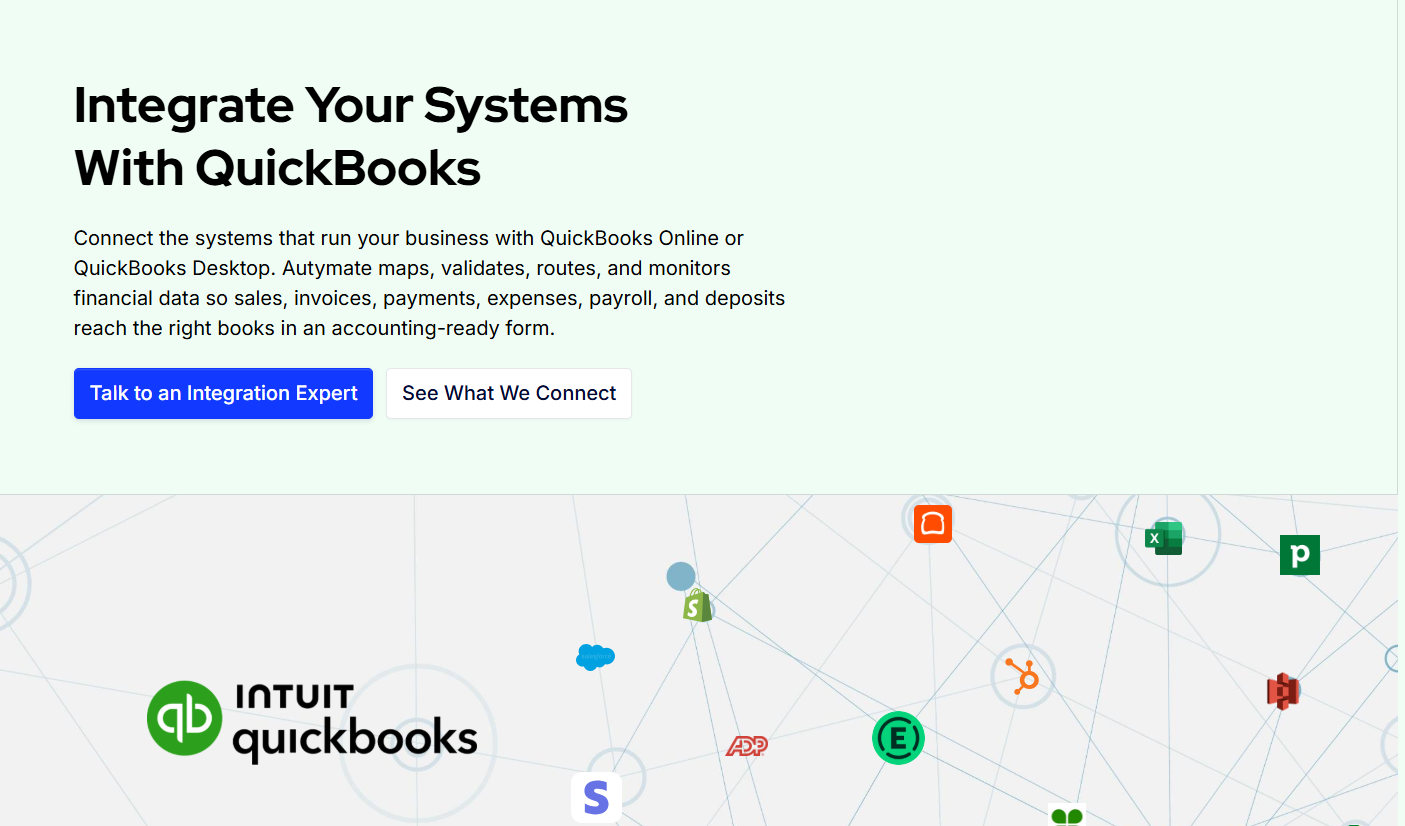
Custom QuickBooks integration connects QuickBooks Online or QuickBooks Desktop with other business applications through a solution designed around your specific workflows.
These applications might include point-of-sale systems, payroll software, franchise management platforms, ecommerce applications, or operational databases.
The goal is simple: make your systems work together without requiring employees to transfer information manually.
For example, imagine a restaurant franchise using a POS system to process daily sales. Instead of having someone export sales reports and enter journal entries into QuickBooks, a custom integration can retrieve the relevant data, apply accounting rules, and create the required transactions automatically.
Unlike a standard connector, a custom integration can be configured to handle more complicated requirements, such as location-specific accounts, unique transaction mappings, or franchise-wide reporting structures.
This flexibility is especially valuable for businesses operating across multiple locations.
Why Franchise Businesses Need Custom QuickBooks Integration
Franchise accounting is more complicated than managing the finances of a single business.
Each location generates its own sales, expenses, payroll information, and operational data. Depending on the franchise structure, stores may also operate under different legal entities or accounting files.
When these systems aren't connected, maintaining accurate financial records becomes difficult.
Managing Financial Data From Multiple Locations
A franchise with 100 locations may receive financial information from numerous systems every day.
If each location submits reports manually, the accounting team must collect, review, and organize those files before recording the information.
A custom QuickBooks integration can automate much of this process by retrieving data from supported source systems and processing it according to predefined accounting requirements.
Maintaining a Consistent Chart of Accounts
Not every franchise location categorizes transactions in the same way.
One store might record delivery fees under operating expenses, while another uses a different category.
These inconsistencies make consolidated reporting more difficult.
Custom integrations can map source transactions to a standardized chart of accounts, helping franchise organizations maintain more consistent financial information.
Reducing Manual Accounting Errors
Manual data entry creates opportunities for duplicate transactions, missing records, and incorrect amounts.
These errors can become harder to identify when hundreds of locations are involved.
A properly designed integration can use transaction identifiers, validation rules, and reconciliation controls to reduce the risk of incorrect postings.
Getting Better Visibility Into Franchise Performance
Franchise leaders need reliable financial information to evaluate performance.
They want to know which locations are growing, where costs are increasing, and whether reported sales align with accounting records.
Automated data transfers help make this information available for financial reporting with less manual preparation.
How Custom QuickBooks Integration Works
A custom QuickBooks integration typically follows a structured process that connects operational data with accounting records.
Step 1: Connect the Source System
The integration first establishes a connection with the application generating the financial data.
This might be a POS platform, payroll application, franchise management system, or another business database.
Depending on the system, information may be retrieved through APIs, scheduled exports, or supported file transfers.
Step 2: Map Data to QuickBooks
Different applications organize financial information differently.
For example, a POS system may use sales categories that don't directly match the accounts configured in QuickBooks.
The integration applies predefined mapping rules to translate source information into the appropriate accounting structure.
For franchise businesses, mappings can also account for individual stores, departments, or business entities.
Step 3: Validate the Financial Information
Before records are posted, the integration can check whether the required information is present and follows the configured rules.
Validation may include checking transaction identifiers, accounting accounts, dates, amounts, and control totals.
These checks help identify incomplete or inconsistent records before they enter the accounting system.
Step 4: Post Transactions to QuickBooks
After mapping and validation, the integration creates or updates supported records in the appropriate QuickBooks company.
Depending on the workflow, these may include journal entries, invoices, bills, payments, or other accounting transactions.
The transaction type should reflect the underlying business activity and accounting requirements.
Step 5: Monitor and Reconcile
Successful automation doesn't end when data reaches QuickBooks.
The integration should track processing results, identify failed transactions, and support reconciliation between source records and accounting entries.
This helps finance teams investigate missing information and maintain confidence in their financial records.
Common Custom QuickBooks Integration Use Cases for Franchises
Franchise organizations often rely on several business systems to manage daily operations. Connecting these applications with QuickBooks can eliminate repetitive processes and improve accounting consistency.
POS to QuickBooks Integration
POS systems record daily sales, discounts, refunds, taxes, tips, and payment activity.
A custom integration can transform this information into the accounting entries required by a franchise's QuickBooks setup.
For example, a restaurant franchise using Toast or another supported POS platform may need to separate cash sales, card payments, sales tax liabilities, and processing fees.
Rather than entering these figures manually, an integration can automate the transfer while preserving the required accounting detail.
Payroll to QuickBooks Integration
Payroll is another common source of disconnected financial information.
Franchise locations may use payroll systems to calculate salaries, wages, taxes, deductions, and employer contributions.
A custom integration can transfer approved payroll summaries into QuickBooks using the appropriate expense and liability accounts.
This helps accounting teams avoid manually preparing repetitive payroll journal entries.
Franchise Royalty Reporting
Franchisors often calculate royalties based on reported revenue, contractual rates, and other franchise agreement terms.
When revenue data comes from multiple POS systems or accounting files, collecting the required information can become time-consuming.
Custom integrations can help consolidate the relevant sales information into a consistent data structure that supports royalty calculations and reporting.
Royalty calculations may still require a dedicated rules engine or franchise management system, depending on the organization's requirements.
Multi-Location Financial Reporting
Franchise owners and corporate finance teams need to understand how individual locations are performing.
However, financial information may be distributed across different QuickBooks companies and operational applications.
Custom integrations can help standardize and move the financial data needed for location-level and consolidated reporting.
This creates a stronger foundation for comparing revenue, expenses, margins, and profitability across the franchise network.
Custom QuickBooks Integration vs Standard Connectors
Standard QuickBooks connectors can work well for straightforward accounting requirements.
If your business needs to synchronize a limited set of records between two popular applications, an existing integration may be sufficient.
But franchise businesses often have more complex needs.
You may need to apply different accounting rules to different locations, process large daily transaction volumes, or handle data from multiple systems.
A standard connector may not support those requirements without additional customization.
Custom QuickBooks integration is worth considering when your accounting workflows cannot be handled reliably by an existing connector.
It allows businesses to define how information should be retrieved, validated, mapped, and posted according to their operating model.
The important distinction isn't simply whether an integration is custom or prebuilt. It's whether it can support your financial processes accurately and reliably.
How Autymate Helps Franchise Businesses With QuickBooks Integration
Franchise organizations need integrations that work consistently across locations, not just a basic connection between two applications.
Autymate helps businesses connect operational systems with accounting platforms through custom integrations, financial data mapping, automation, and ongoing monitoring.
Its approach is designed to support businesses with complex accounting requirements, including franchise and multi-location organizations.
Connect Multiple Business Applications
Autymate helps businesses integrate QuickBooks with relevant POS, payroll, ecommerce, ERP, and other operational systems.
Rather than requiring accounting teams to transfer data manually, the integrations can automate scheduled financial data workflows.
Standardize Financial Data Across Locations
A growing franchise network needs consistent accounting data.
Autymate supports configurable mappings that translate source records into the required accounting structure.
This helps businesses apply consistent account classifications while preserving location-specific information where needed.
Automate Repetitive Accounting Processes
Daily sales posting, financial data transfers, and recurring reconciliation preparation can consume significant accounting resources.
Autymate helps automate suitable workflows, reducing the manual effort involved in moving and processing financial information.
Support Integration Reliability
An integration needs to keep working when business systems change.
API updates, expired credentials, missing source data, and processing errors can interrupt financial workflows.
Autymate emphasizes ongoing monitoring and support to help businesses identify and address integration issues.
For franchise businesses relying on regular financial data transfers, this is an important part of maintaining dependable accounting operations.
How to Choose the Right Custom QuickBooks Integration Solution
Before choosing an integration provider, understand what your franchise actually needs.
Start by identifying the systems used across your locations and the accounting processes currently handled manually.
Determine whether information needs to move into one QuickBooks company or multiple company files.
You should also consider transaction volumes, account mappings, reporting requirements, error handling, and reconciliation processes.
Ask how the integration handles duplicate prevention, failed transactions, and changes to source systems.
For franchises planning to expand, scalability is equally important. An integration designed for ten locations should have a practical path to supporting significantly more locations.
Finally, consider ongoing support. Custom integrations require maintenance as applications and business requirements evolve.
Choosing a provider that understands both system connectivity and accounting workflows can help prevent problems later.
Final Thoughts
Managing accounting across a franchise network doesn't have to mean collecting spreadsheets from every location or manually entering the same financial information into QuickBooks.
With the right custom QuickBooks integration, businesses can connect their operational systems, standardize accounting data, reduce repetitive work, and create more reliable financial reporting processes.
For growing franchise organizations, these improvements can make a meaningful difference.
Autymate helps businesses build and maintain connected accounting workflows that support their operational requirements.
Ready to simplify QuickBooks integration across your franchise network?
Visit Autymate and talk to an integration expert about connecting your business systems.

 Arabic
 French
 Spanish
 Portuguese
 Deutsch
 Turkish
 Dutch
Dutch
 Italiano
 Russian
 Romaian
 Portuguese (Brazil)
 Greek
Greek