


Tool Spotlight: Master Password Managers to Lock Down Your Digital Life 🔑
What is a Password Manager?
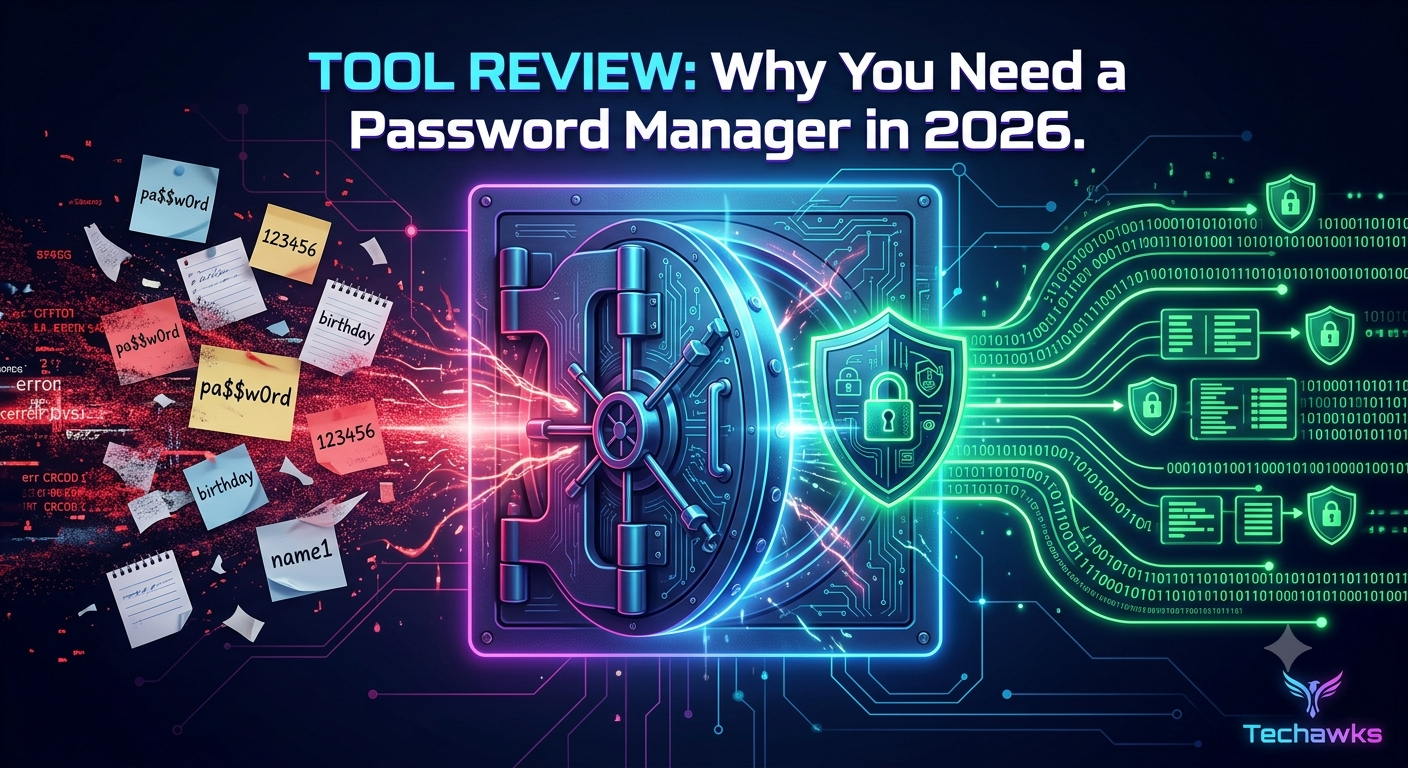
A password manager is a secure, encrypted vault that generates, stores, and auto-fills complex, unique passwords for every site you use. Instead of remembering dozens of credentials, you only need to remember one strong Master Password.
Key Feature Breakdown
🔒 Zero-Knowledge Encryption: Top-tier managers use end-to-end AES-256 encryption. This means only you hold the key to decrypt your vault—not even the software developers can see your passwords.
🎲 Built-in Password Generator: Instantly creates 20+ character random strings with special symbols, numbers, and mixed cases (e.g., k9#mP!9Lz$2vR@7x).
🛡️ Built-in Phishing Defense: A password manager won't auto-fill your credentials on a fake or lookalike domain (like micros0ft.com), instantly alerting you to malicious websites.
📱 Cross-Platform Sync: Access your vault seamlessly across mobile, desktop, and web browsers.
Top Recommended Tools (Free & Paid)
Tool Best For Standout Feature
Bitwarden Open-source & budget-friendly Generous free tier with full zero-knowledge encryption
1Password Families & power users Secret Key feature for secondary authentication layer
KeePassXC Security purists & offline storage 100% local database control with zero cloud dependency
How to Get Started in 3 Actionable Steps
Pick Your Tool: Download a reputable manager like Bitwarden or 1Password.
Set a Powerful Master Password: Create a 4-word random passphrase (e.g., Correct-Horse-Battery-Staple) that you will never forget.
Audit & Migration: Import your saved browser passwords, then use the built-in generator to update your high-value accounts (email, banking, social media) one by one.
Key Takeaways
Never Reuse Passwords: Unique credentials prevent one breach from ruining all your accounts.
Zero-Knowledge is Non-Negotiable: Always choose tools that use end-to-end encryption.
Phishing Shield: Password managers protect you from credential harvesting by refusing to fill data on fraudulent domains.
CTA
Ready to go beyond basic password safety and learn how hackers bypass defenses?
Join the Techawks Cybersecurity & Ethical Hacking Program today to build hands-on skills in cryptography, network defense, and ethical hacking! 🚀
What is a Password Manager?
A password manager is a secure, encrypted vault that generates, stores, and auto-fills complex, unique passwords for every site you use. Instead of remembering dozens of credentials, you only need to remember one strong Master Password.
Key Feature Breakdown
🔒 Zero-Knowledge Encryption: Top-tier managers use end-to-end AES-256 encryption. This means only you hold the key to decrypt your vault—not even the software developers can see your passwords.
🎲 Built-in Password Generator: Instantly creates 20+ character random strings with special symbols, numbers, and mixed cases (e.g., k9#mP!9Lz$2vR@7x).
🛡️ Built-in Phishing Defense: A password manager won't auto-fill your credentials on a fake or lookalike domain (like micros0ft.com), instantly alerting you to malicious websites.
📱 Cross-Platform Sync: Access your vault seamlessly across mobile, desktop, and web browsers.
Top Recommended Tools (Free & Paid)
Tool Best For Standout Feature
Bitwarden Open-source & budget-friendly Generous free tier with full zero-knowledge encryption
1Password Families & power users Secret Key feature for secondary authentication layer
KeePassXC Security purists & offline storage 100% local database control with zero cloud dependency
How to Get Started in 3 Actionable Steps
Pick Your Tool: Download a reputable manager like Bitwarden or 1Password.
Set a Powerful Master Password: Create a 4-word random passphrase (e.g., Correct-Horse-Battery-Staple) that you will never forget.
Audit & Migration: Import your saved browser passwords, then use the built-in generator to update your high-value accounts (email, banking, social media) one by one.
Key Takeaways
Never Reuse Passwords: Unique credentials prevent one breach from ruining all your accounts.
Zero-Knowledge is Non-Negotiable: Always choose tools that use end-to-end encryption.
Phishing Shield: Password managers protect you from credential harvesting by refusing to fill data on fraudulent domains.
CTA
Ready to go beyond basic password safety and learn how hackers bypass defenses?
Join the Techawks Cybersecurity & Ethical Hacking Program today to build hands-on skills in cryptography, network defense, and ethical hacking! 🚀
Tool Spotlight: Master Password Managers to Lock Down Your Digital Life 🔑
What is a Password Manager?
A password manager is a secure, encrypted vault that generates, stores, and auto-fills complex, unique passwords for every site you use. Instead of remembering dozens of credentials, you only need to remember one strong Master Password.
Key Feature Breakdown
🔒 Zero-Knowledge Encryption: Top-tier managers use end-to-end AES-256 encryption. This means only you hold the key to decrypt your vault—not even the software developers can see your passwords.
🎲 Built-in Password Generator: Instantly creates 20+ character random strings with special symbols, numbers, and mixed cases (e.g., k9#mP!9Lz$2vR@7x).
🛡️ Built-in Phishing Defense: A password manager won't auto-fill your credentials on a fake or lookalike domain (like micros0ft.com), instantly alerting you to malicious websites.
📱 Cross-Platform Sync: Access your vault seamlessly across mobile, desktop, and web browsers.
Top Recommended Tools (Free & Paid)
Tool Best For Standout Feature
Bitwarden Open-source & budget-friendly Generous free tier with full zero-knowledge encryption
1Password Families & power users Secret Key feature for secondary authentication layer
KeePassXC Security purists & offline storage 100% local database control with zero cloud dependency
How to Get Started in 3 Actionable Steps
Pick Your Tool: Download a reputable manager like Bitwarden or 1Password.
Set a Powerful Master Password: Create a 4-word random passphrase (e.g., Correct-Horse-Battery-Staple) that you will never forget.
Audit & Migration: Import your saved browser passwords, then use the built-in generator to update your high-value accounts (email, banking, social media) one by one.
Key Takeaways
Never Reuse Passwords: Unique credentials prevent one breach from ruining all your accounts.
Zero-Knowledge is Non-Negotiable: Always choose tools that use end-to-end encryption.
Phishing Shield: Password managers protect you from credential harvesting by refusing to fill data on fraudulent domains.
CTA
Ready to go beyond basic password safety and learn how hackers bypass defenses?
Join the Techawks Cybersecurity & Ethical Hacking Program today to build hands-on skills in cryptography, network defense, and ethical hacking! 🚀

 English
 Arabic
 French
 Portuguese
 Deutsch
 Turkish
 Dutch
Dutch
 Italiano
 Russian
 Romaian
 Portuguese (Brazil)
 Greek
Greek