


Can Your Kubernetes Cluster Survive a Master Node Failure? (The 15-Minute Resilience Challenge)
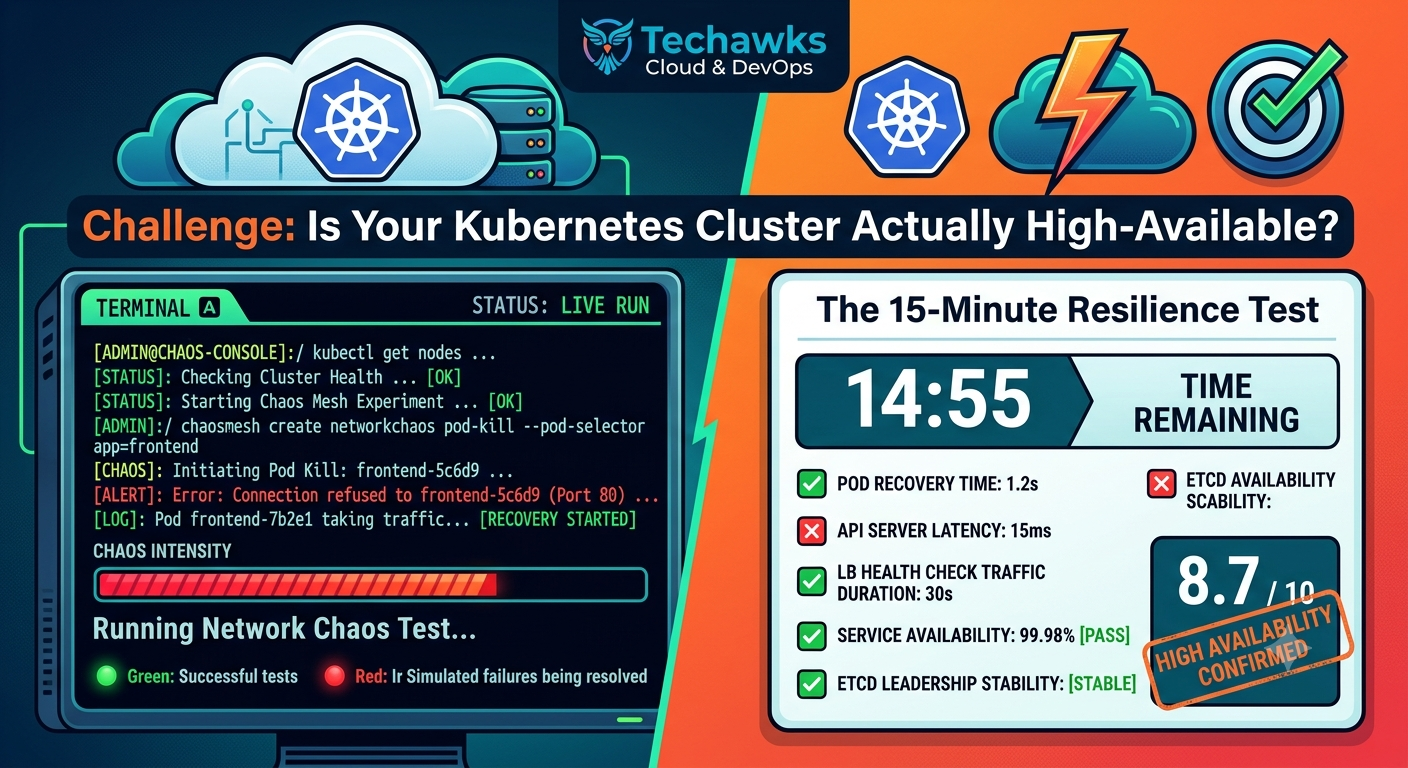
Theory is great, but real reliability is proven through chaos engineering. Here is your challenge: execute this non-destructive failover test to find out if your workload strategy actually holds up under pressure.
The Challenge: The Control Plane Pull-the-Plug Test
⚠️ Rules of Engagement: Perform this test in a lower environment (Dev/Staging) that mirrors your production configuration!
Step 1: Set the Baseline
Run a basic load test against your cluster to establish continuous traffic to your services.
# Keep a continuous curl or load tool running against your ingress endpoint
while true; do curl -I http://your-staging-app.example.com; sleep 1; done
Step 2: Isolate a Worker Node
Drain a worker node running one of your core app replicas to force pod reschedule:
kubectl drain <node-name> --ignore-daemonsets --delete-emptydir-data
Step 3: Simulate Control Plane Interruption
If you run a multi-master control plane, terminate or isolate one control plane instance (or simulate API server latency/outage using network policies or iptables).
How Did Your Infrastructure Score?
🛑 Fail (0 Points): Your load test shows 5xx errors for more than a few seconds.
Fix: You need PodDisruptionBudgets (PDBs) and properly configured readinessProbes so traffic isn't routed to unready pods.
⚠️ Pass (5 Points): Traffic kept flowing, but pods took over 60 seconds to reschedule on healthy nodes.
Fix: Tune your kube-controller-manager node eviction timeouts and check your Pod topologySpreadConstraints.
🏆 Mastery (10 Points): Zero dropped requests, traffic rerouted in under 2 seconds, and new pods spun up seamlessly.
Key Takeaways
High Availability is a active configuration, not a passive status: Just having multiple nodes doesn't guarantee uptime without PDBs and anti-affinity rules.
Probes protect traffic: Proper readiness probes ensure load balancers immediately stop sending traffic to dying nodes.
Test chaos early: Finding scheduling bottlenecks during a controlled test is infinitely better than finding them during a real outage.
CTA
🔥 Did your cluster pass the challenge? Share your results and setup in the comments! For more hands-on DevOps challenges, architecture breakdowns, and chaos engineering guides, join Techawks Cloud, DevOps & Open Source
Theory is great, but real reliability is proven through chaos engineering. Here is your challenge: execute this non-destructive failover test to find out if your workload strategy actually holds up under pressure.
The Challenge: The Control Plane Pull-the-Plug Test
⚠️ Rules of Engagement: Perform this test in a lower environment (Dev/Staging) that mirrors your production configuration!
Step 1: Set the Baseline
Run a basic load test against your cluster to establish continuous traffic to your services.
# Keep a continuous curl or load tool running against your ingress endpoint
while true; do curl -I http://your-staging-app.example.com; sleep 1; done
Step 2: Isolate a Worker Node
Drain a worker node running one of your core app replicas to force pod reschedule:
kubectl drain <node-name> --ignore-daemonsets --delete-emptydir-data
Step 3: Simulate Control Plane Interruption
If you run a multi-master control plane, terminate or isolate one control plane instance (or simulate API server latency/outage using network policies or iptables).
How Did Your Infrastructure Score?
🛑 Fail (0 Points): Your load test shows 5xx errors for more than a few seconds.
Fix: You need PodDisruptionBudgets (PDBs) and properly configured readinessProbes so traffic isn't routed to unready pods.
⚠️ Pass (5 Points): Traffic kept flowing, but pods took over 60 seconds to reschedule on healthy nodes.
Fix: Tune your kube-controller-manager node eviction timeouts and check your Pod topologySpreadConstraints.
🏆 Mastery (10 Points): Zero dropped requests, traffic rerouted in under 2 seconds, and new pods spun up seamlessly.
Key Takeaways
High Availability is a active configuration, not a passive status: Just having multiple nodes doesn't guarantee uptime without PDBs and anti-affinity rules.
Probes protect traffic: Proper readiness probes ensure load balancers immediately stop sending traffic to dying nodes.
Test chaos early: Finding scheduling bottlenecks during a controlled test is infinitely better than finding them during a real outage.
CTA
🔥 Did your cluster pass the challenge? Share your results and setup in the comments! For more hands-on DevOps challenges, architecture breakdowns, and chaos engineering guides, join Techawks Cloud, DevOps & Open Source
Can Your Kubernetes Cluster Survive a Master Node Failure? (The 15-Minute Resilience Challenge)
Theory is great, but real reliability is proven through chaos engineering. Here is your challenge: execute this non-destructive failover test to find out if your workload strategy actually holds up under pressure.
The Challenge: The Control Plane Pull-the-Plug Test
⚠️ Rules of Engagement: Perform this test in a lower environment (Dev/Staging) that mirrors your production configuration!
Step 1: Set the Baseline
Run a basic load test against your cluster to establish continuous traffic to your services.
# Keep a continuous curl or load tool running against your ingress endpoint
while true; do curl -I http://your-staging-app.example.com; sleep 1; done
Step 2: Isolate a Worker Node
Drain a worker node running one of your core app replicas to force pod reschedule:
kubectl drain <node-name> --ignore-daemonsets --delete-emptydir-data
Step 3: Simulate Control Plane Interruption
If you run a multi-master control plane, terminate or isolate one control plane instance (or simulate API server latency/outage using network policies or iptables).
How Did Your Infrastructure Score?
🛑 Fail (0 Points): Your load test shows 5xx errors for more than a few seconds.
Fix: You need PodDisruptionBudgets (PDBs) and properly configured readinessProbes so traffic isn't routed to unready pods.
⚠️ Pass (5 Points): Traffic kept flowing, but pods took over 60 seconds to reschedule on healthy nodes.
Fix: Tune your kube-controller-manager node eviction timeouts and check your Pod topologySpreadConstraints.
🏆 Mastery (10 Points): Zero dropped requests, traffic rerouted in under 2 seconds, and new pods spun up seamlessly.
Key Takeaways
High Availability is a active configuration, not a passive status: Just having multiple nodes doesn't guarantee uptime without PDBs and anti-affinity rules.
Probes protect traffic: Proper readiness probes ensure load balancers immediately stop sending traffic to dying nodes.
Test chaos early: Finding scheduling bottlenecks during a controlled test is infinitely better than finding them during a real outage.
CTA
🔥 Did your cluster pass the challenge? Share your results and setup in the comments! For more hands-on DevOps challenges, architecture breakdowns, and chaos engineering guides, join Techawks Cloud, DevOps & Open Source

 English
 Arabic
 French
 Spanish
 Deutsch
 Turkish
 Dutch
Dutch
 Italiano
 Russian
 Romaian
 Portuguese (Brazil)
 Greek
Greek