


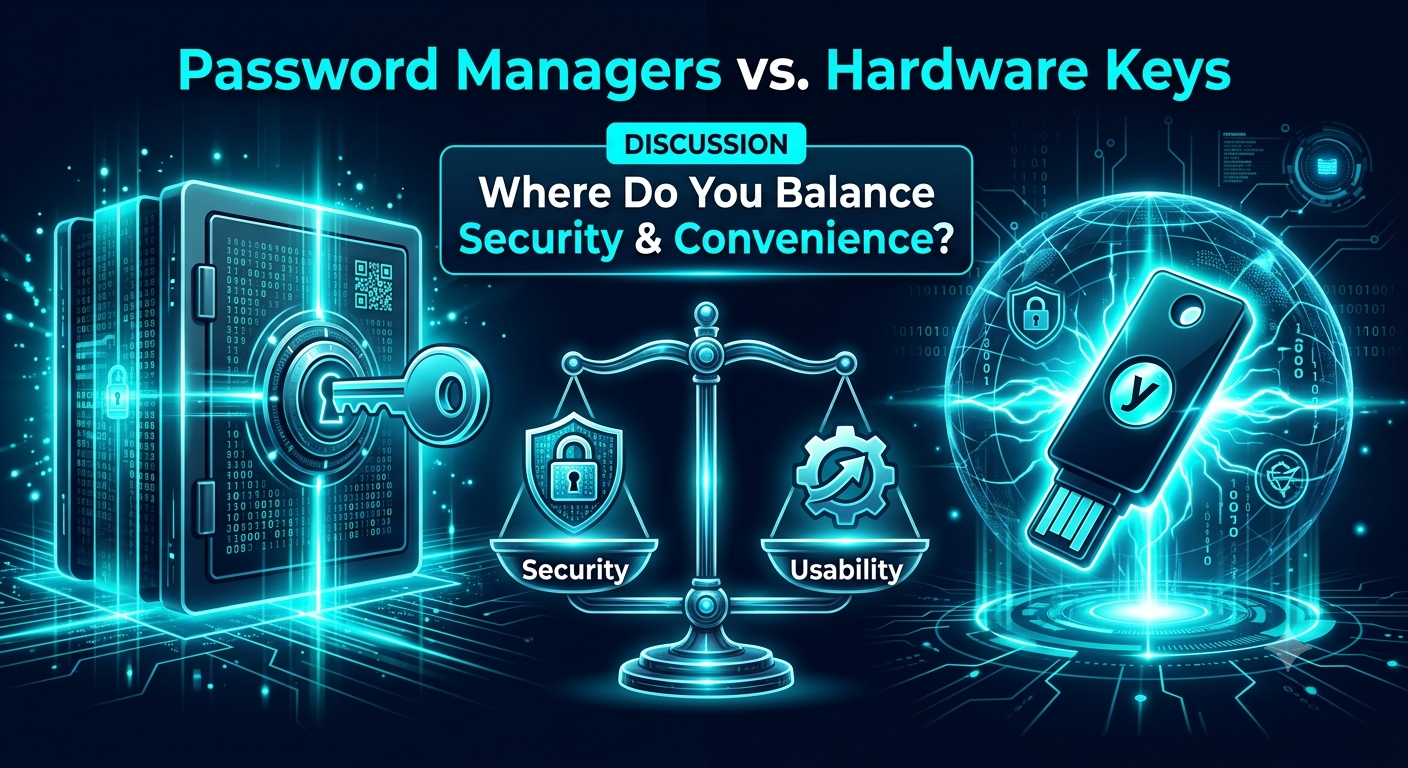
Convenience vs. Security: How Do You Balance Password Managers and Hardware Keys?
In cybersecurity, there is a fundamental law: as security increases, convenience usually decreases.
If you build an authentication system that requires a 32-character passphrase, TOTP app code, hardware key touch, and biometric scan just to check an email, users will inevitably find dangerous workarounds. As security professionals and learners, mastering the balance of authentication mechanisms is crucial.
Here is how two of the most popular authentication methods stack up:
1. Cloud-Based Password Managers (Bitwarden, 1Password, Dashlane)
The Usability Win: Seamless cross-device autofill, shared vaults, and simple master password management.
The Security Threat: Creates a single point of failure (SPOF). If an attacker gets your master credentials or compromises the vault host, every linked account is exposed.
2. Hardware Security Keys (YubiKey, FIDO2/WebAuthn)
The Security Win: Hardware-bound cryptography that is virtually immune to traditional phishing attacks, man-in-the-middle (MITM) proxies, and SIM swaps.
The Usability Threat: High cost for casual users, loss/displacement risk, and poor fallback options if you don't configure a secondary backup key.
The Practical Standard
"The best security strategy is the one users will actually stick to without trying to bypass it."
For most individuals, combining a strong password manager with TOTP or WebAuthn hardware keys for critical accounts (email, password manager itself, financial hubs) provides the ideal balance of defense and usability.
Key Takeaways
Usability Drives Compliance: Security controls that disrupt daily workflows invite unsafe user workarounds.
Defense-in-Depth: Password managers solve key reuse, while hardware security keys stop phishing and credential stuffing dead in their tracks.
Plan for Recovery: Always account for lost physical tokens or forgotten master phrases—account recovery is a core part of security design.
CTA (Join Cybersecurity & Ethical Hacking)
How do you secure your own digital life? Are you relying entirely on password managers, or have you integrated physical security keys into your workflow?
Drop your setup, threat model, or security recommendations in the comments below!
👉 [Join Cybersecurity & Ethical Hacking] to discuss real-world threat models, participate in security debates, and level up your defense strategies with fellow security enthusiasts!
In cybersecurity, there is a fundamental law: as security increases, convenience usually decreases.
If you build an authentication system that requires a 32-character passphrase, TOTP app code, hardware key touch, and biometric scan just to check an email, users will inevitably find dangerous workarounds. As security professionals and learners, mastering the balance of authentication mechanisms is crucial.
Here is how two of the most popular authentication methods stack up:
1. Cloud-Based Password Managers (Bitwarden, 1Password, Dashlane)
The Usability Win: Seamless cross-device autofill, shared vaults, and simple master password management.
The Security Threat: Creates a single point of failure (SPOF). If an attacker gets your master credentials or compromises the vault host, every linked account is exposed.
2. Hardware Security Keys (YubiKey, FIDO2/WebAuthn)
The Security Win: Hardware-bound cryptography that is virtually immune to traditional phishing attacks, man-in-the-middle (MITM) proxies, and SIM swaps.
The Usability Threat: High cost for casual users, loss/displacement risk, and poor fallback options if you don't configure a secondary backup key.
The Practical Standard
"The best security strategy is the one users will actually stick to without trying to bypass it."
For most individuals, combining a strong password manager with TOTP or WebAuthn hardware keys for critical accounts (email, password manager itself, financial hubs) provides the ideal balance of defense and usability.
Key Takeaways
Usability Drives Compliance: Security controls that disrupt daily workflows invite unsafe user workarounds.
Defense-in-Depth: Password managers solve key reuse, while hardware security keys stop phishing and credential stuffing dead in their tracks.
Plan for Recovery: Always account for lost physical tokens or forgotten master phrases—account recovery is a core part of security design.
CTA (Join Cybersecurity & Ethical Hacking)
How do you secure your own digital life? Are you relying entirely on password managers, or have you integrated physical security keys into your workflow?
Drop your setup, threat model, or security recommendations in the comments below!
👉 [Join Cybersecurity & Ethical Hacking] to discuss real-world threat models, participate in security debates, and level up your defense strategies with fellow security enthusiasts!
Convenience vs. Security: How Do You Balance Password Managers and Hardware Keys?
In cybersecurity, there is a fundamental law: as security increases, convenience usually decreases.
If you build an authentication system that requires a 32-character passphrase, TOTP app code, hardware key touch, and biometric scan just to check an email, users will inevitably find dangerous workarounds. As security professionals and learners, mastering the balance of authentication mechanisms is crucial.
Here is how two of the most popular authentication methods stack up:
1. Cloud-Based Password Managers (Bitwarden, 1Password, Dashlane)
The Usability Win: Seamless cross-device autofill, shared vaults, and simple master password management.
The Security Threat: Creates a single point of failure (SPOF). If an attacker gets your master credentials or compromises the vault host, every linked account is exposed.
2. Hardware Security Keys (YubiKey, FIDO2/WebAuthn)
The Security Win: Hardware-bound cryptography that is virtually immune to traditional phishing attacks, man-in-the-middle (MITM) proxies, and SIM swaps.
The Usability Threat: High cost for casual users, loss/displacement risk, and poor fallback options if you don't configure a secondary backup key.
The Practical Standard
"The best security strategy is the one users will actually stick to without trying to bypass it."
For most individuals, combining a strong password manager with TOTP or WebAuthn hardware keys for critical accounts (email, password manager itself, financial hubs) provides the ideal balance of defense and usability.
Key Takeaways
Usability Drives Compliance: Security controls that disrupt daily workflows invite unsafe user workarounds.
Defense-in-Depth: Password managers solve key reuse, while hardware security keys stop phishing and credential stuffing dead in their tracks.
Plan for Recovery: Always account for lost physical tokens or forgotten master phrases—account recovery is a core part of security design.
CTA (Join Cybersecurity & Ethical Hacking)
How do you secure your own digital life? Are you relying entirely on password managers, or have you integrated physical security keys into your workflow?
Drop your setup, threat model, or security recommendations in the comments below!
👉 [Join Cybersecurity & Ethical Hacking] to discuss real-world threat models, participate in security debates, and level up your defense strategies with fellow security enthusiasts!

 English
 Arabic
 French
 Spanish
 Portuguese
 Deutsch
 Dutch
Dutch
 Italiano
 Russian
 Romaian
 Portuguese (Brazil)
 Greek
Greek