


The Modern Data Analyst’s Toolbelt: 5 Core SQL Patterns Every Analyst Needs
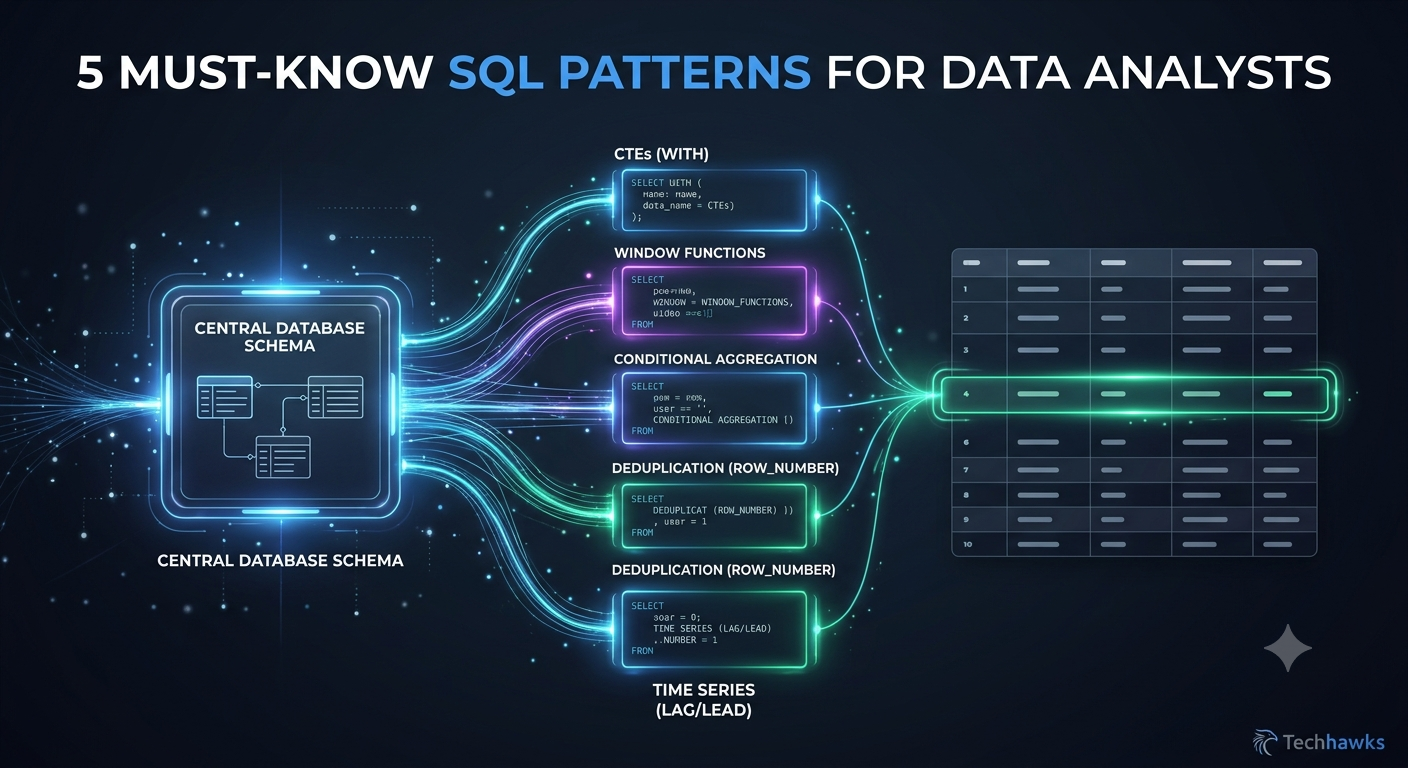
Whether you are building BI dashboards, debugging reporting pipelines, or conducting ad-hoc analysis, certain data manipulation challenges come up again and again. Mastering these 5 core SQL patterns will dramatically speed up your workflow and make your code more readable.
1. Common Table Expressions (CTEs) for Readability
Instead of nesting deep subqueries that are impossible to debug, structure your query logically with WITH clauses:
SQL
WITH regional_sales AS (
SELECT region_id, SUM(amount) AS total_sales
FROM orders
GROUP BY region_id
)
SELECT r.region_name, s.total_sales
FROM regional_sales s
JOIN regions r ON s.region_id = r.id;
2. Window Functions for Advanced Aggregations
Avoid messy self-joins when calculating running totals or ranking items within categories:
Running Total: SUM(amount) OVER (PARTITION BY user_id ORDER BY transaction_date)
Ranking: DENSE_RANK() OVER (PARTITION BY department ORDER BY salary DESC)
3. Conditional Aggregation (Pivoting Data)
Turn rows into columns without complex PIVOT syntax by combining CASE WHEN inside aggregate functions:
SQL
SELECT
DATE_TRUNC('month', order_date) AS month,
COUNT(CASE WHEN status = 'completed' THEN 1 END) AS completed_orders,
COUNT(CASE WHEN status = 'canceled' THEN 1 END) AS canceled_orders
FROM orders
GROUP BY 1;
4. Deduplication via ROW_NUMBER()
When dealing with dirty data or duplicated event streams, assign a row number ordered by timestamp and filter for the latest record:
SQL
WITH ranked_logs AS (
SELECT *,
ROW_NUMBER() OVER (PARTITION BY user_id ORDER BY updated_at DESC) AS rn
FROM user_profiles
)
SELECT * FROM ranked_logs WHERE rn = 1;
5. LAG and LEAD for Time-Series Trends
To compare a user's current action against their previous action (e.g., calculating month-over-month growth or time between clicks), use LAG():
SQL
SELECT
user_id,
login_time,
LAG(login_time) OVER (PARTITION BY user_id ORDER BY login_time) AS previous_login
FROM user_logins;
Key Takeaways
CTEs Over Subqueries: Make your SQL modular and self-documenting for your team.
Master Window Functions: ROW_NUMBER, RANK, and LAG unlock advanced analytics without performance-heavy self-joins.
Clean Data First: Always deduplicate event logs early in your pipeline to keep downstream metrics accurate.
CTA (Join Data Science & Analytics)
Want to level up your SQL skills, master data modeling, and collaborate with experienced data engineers and analysts?
📊 Join the Data Science & Analytics community today to access query templates, real-world datasets, and peer code reviews!
Whether you are building BI dashboards, debugging reporting pipelines, or conducting ad-hoc analysis, certain data manipulation challenges come up again and again. Mastering these 5 core SQL patterns will dramatically speed up your workflow and make your code more readable.
1. Common Table Expressions (CTEs) for Readability
Instead of nesting deep subqueries that are impossible to debug, structure your query logically with WITH clauses:
SQL
WITH regional_sales AS (
SELECT region_id, SUM(amount) AS total_sales
FROM orders
GROUP BY region_id
)
SELECT r.region_name, s.total_sales
FROM regional_sales s
JOIN regions r ON s.region_id = r.id;
2. Window Functions for Advanced Aggregations
Avoid messy self-joins when calculating running totals or ranking items within categories:
Running Total: SUM(amount) OVER (PARTITION BY user_id ORDER BY transaction_date)
Ranking: DENSE_RANK() OVER (PARTITION BY department ORDER BY salary DESC)
3. Conditional Aggregation (Pivoting Data)
Turn rows into columns without complex PIVOT syntax by combining CASE WHEN inside aggregate functions:
SQL
SELECT
DATE_TRUNC('month', order_date) AS month,
COUNT(CASE WHEN status = 'completed' THEN 1 END) AS completed_orders,
COUNT(CASE WHEN status = 'canceled' THEN 1 END) AS canceled_orders
FROM orders
GROUP BY 1;
4. Deduplication via ROW_NUMBER()
When dealing with dirty data or duplicated event streams, assign a row number ordered by timestamp and filter for the latest record:
SQL
WITH ranked_logs AS (
SELECT *,
ROW_NUMBER() OVER (PARTITION BY user_id ORDER BY updated_at DESC) AS rn
FROM user_profiles
)
SELECT * FROM ranked_logs WHERE rn = 1;
5. LAG and LEAD for Time-Series Trends
To compare a user's current action against their previous action (e.g., calculating month-over-month growth or time between clicks), use LAG():
SQL
SELECT
user_id,
login_time,
LAG(login_time) OVER (PARTITION BY user_id ORDER BY login_time) AS previous_login
FROM user_logins;
Key Takeaways
CTEs Over Subqueries: Make your SQL modular and self-documenting for your team.
Master Window Functions: ROW_NUMBER, RANK, and LAG unlock advanced analytics without performance-heavy self-joins.
Clean Data First: Always deduplicate event logs early in your pipeline to keep downstream metrics accurate.
CTA (Join Data Science & Analytics)
Want to level up your SQL skills, master data modeling, and collaborate with experienced data engineers and analysts?
📊 Join the Data Science & Analytics community today to access query templates, real-world datasets, and peer code reviews!
The Modern Data Analyst’s Toolbelt: 5 Core SQL Patterns Every Analyst Needs
Whether you are building BI dashboards, debugging reporting pipelines, or conducting ad-hoc analysis, certain data manipulation challenges come up again and again. Mastering these 5 core SQL patterns will dramatically speed up your workflow and make your code more readable.
1. Common Table Expressions (CTEs) for Readability
Instead of nesting deep subqueries that are impossible to debug, structure your query logically with WITH clauses:
SQL
WITH regional_sales AS (
SELECT region_id, SUM(amount) AS total_sales
FROM orders
GROUP BY region_id
)
SELECT r.region_name, s.total_sales
FROM regional_sales s
JOIN regions r ON s.region_id = r.id;
2. Window Functions for Advanced Aggregations
Avoid messy self-joins when calculating running totals or ranking items within categories:
Running Total: SUM(amount) OVER (PARTITION BY user_id ORDER BY transaction_date)
Ranking: DENSE_RANK() OVER (PARTITION BY department ORDER BY salary DESC)
3. Conditional Aggregation (Pivoting Data)
Turn rows into columns without complex PIVOT syntax by combining CASE WHEN inside aggregate functions:
SQL
SELECT
DATE_TRUNC('month', order_date) AS month,
COUNT(CASE WHEN status = 'completed' THEN 1 END) AS completed_orders,
COUNT(CASE WHEN status = 'canceled' THEN 1 END) AS canceled_orders
FROM orders
GROUP BY 1;
4. Deduplication via ROW_NUMBER()
When dealing with dirty data or duplicated event streams, assign a row number ordered by timestamp and filter for the latest record:
SQL
WITH ranked_logs AS (
SELECT *,
ROW_NUMBER() OVER (PARTITION BY user_id ORDER BY updated_at DESC) AS rn
FROM user_profiles
)
SELECT * FROM ranked_logs WHERE rn = 1;
5. LAG and LEAD for Time-Series Trends
To compare a user's current action against their previous action (e.g., calculating month-over-month growth or time between clicks), use LAG():
SQL
SELECT
user_id,
login_time,
LAG(login_time) OVER (PARTITION BY user_id ORDER BY login_time) AS previous_login
FROM user_logins;
Key Takeaways
CTEs Over Subqueries: Make your SQL modular and self-documenting for your team.
Master Window Functions: ROW_NUMBER, RANK, and LAG unlock advanced analytics without performance-heavy self-joins.
Clean Data First: Always deduplicate event logs early in your pipeline to keep downstream metrics accurate.
CTA (Join Data Science & Analytics)
Want to level up your SQL skills, master data modeling, and collaborate with experienced data engineers and analysts?
📊 Join the Data Science & Analytics community today to access query templates, real-world datasets, and peer code reviews!

 Arabic
 French
 Spanish
 Portuguese
 Deutsch
 Turkish
 Dutch
Dutch
 Italiano
 Russian
 Romaian
 Portuguese (Brazil)
 Greek
Greek