


The Comprehensive UX & Product Launch Readiness Checklist
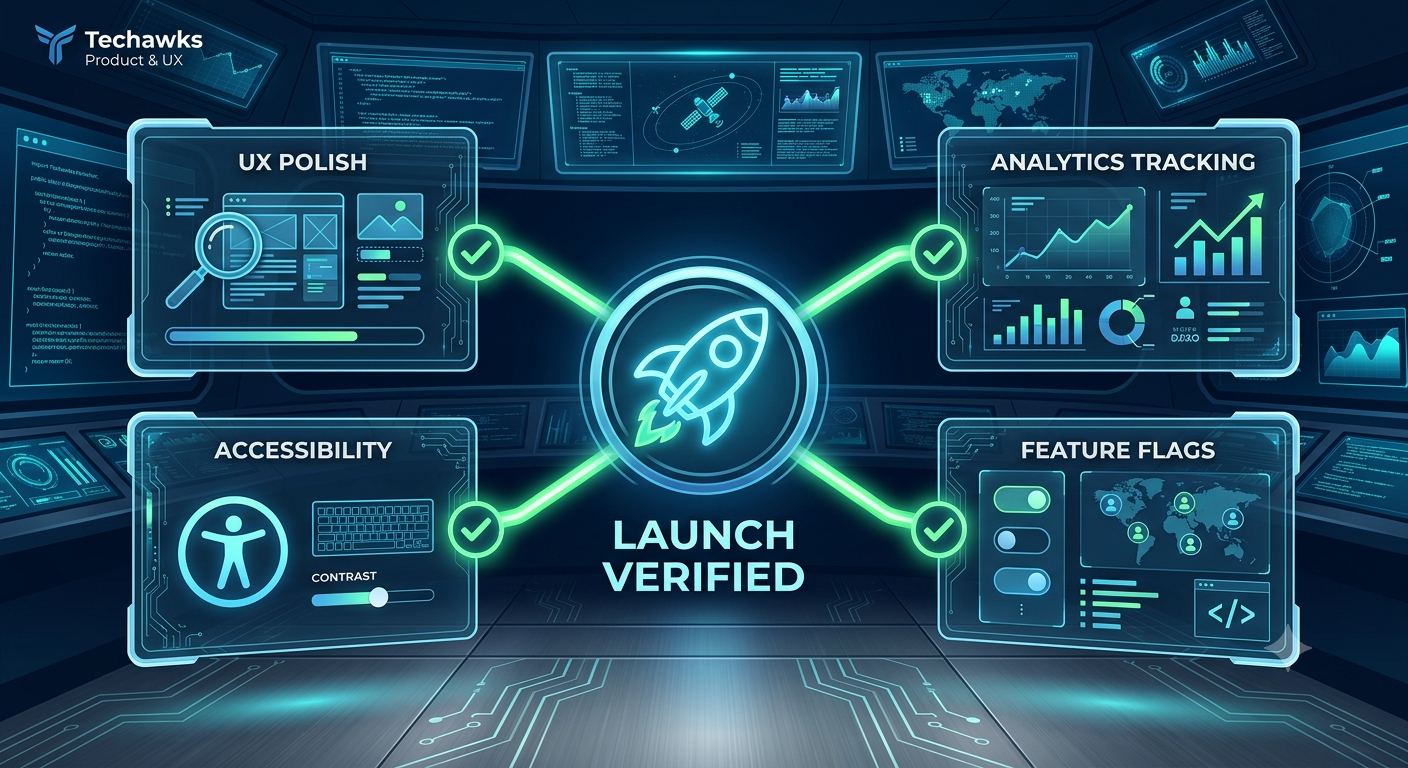
A successful product launch extends far beyond writing clean code and finalizing UI components. To deliver intuitive user experiences that drive long-term retention, product managers and designers must audit their features across usability, accessibility, instrumentation, and operational readiness.
Use this practical checklist before every major feature or product release:
1. UX & Interface Polish
[ ] Error States & Edge Cases: Are empty states, loading indicators, network error banners, and form validation messages clearly designed and copy-edited?
[ ] Microcopy Alignment: Is the UI language concise, active, and free of internal technical jargon or ambiguous terminology?
[ ] Responsive & Cross-Device Consistency: Has the feature been tested across multiple viewport sizes, operating systems, and touch vs. mouse interactions?
[ ] Feedback Loops: Are success confirmations (e.g., toast notifications, state changes) immediate and unambiguous upon user action?
2. Accessibility (a11y) Compliance
[ ] Keyboard Navigation: Can a user navigate the entire flow using only the keyboard (Tab, Enter, Escape, arrow keys) with visible focus indicators?
[ ] Contrast Ratios: Do text elements and interactive components meet WCAG 2.1 AA contrast standards against their background colors?
[ ] Screen Reader Support: Are semantic HTML tags used, and are non-text elements configured with appropriate alt tags and ARIA attributes?
3. Product Analytics & Instrumentation
[ ] Event Taxonomy Defined: Are core tracking events named consistently following your team's analytics schema (e.g., object_action format)?
[ ] Funnel & Drop-off Points: Are events attached to key user actions—from initial entry point to final conversion step—to track drop-off rates?
[ ] Data Validation in Staging: Have you verified in a staging environment that telemetry events trigger correctly with the expected payload parameters?
4. Operational & Go-To-Market Alignment
[ ] Success Metrics Established: Is there a clear primary metric (e.g., 7-day feature adoption, task completion rate) defined to measure post-launch success?
[ ] Feature Flagging: Is the feature wrapped in a feature flag/toggle to allow for gradual rollouts (e.g., 10% → 50% → 100%) or quick rollbacks if critical issues arise?
[ ] Support & Documentation Ready: Are customer support teams briefed, and are help center guides or onboarding tooltips published?
Key Takeaways
Design for the Edge Cases: High-quality UX is defined by how gracefully a feature handles errors, slow network connections, and missing data.
Track from Day One: If you can't measure user interaction with a feature, you won't know if it actually solved the target problem.
Roll Out Safely: Use feature flags to decouple technical deployment from business release, enabling controlled risk management.
CTA
Looking to elevate your product management skills and design intuitive user experiences? Connect with product leaders, UX/UI designers, and user researchers sharing wireframe templates, discovery frameworks, and product teardowns. Join the Product, UX & Design Community today!
A successful product launch extends far beyond writing clean code and finalizing UI components. To deliver intuitive user experiences that drive long-term retention, product managers and designers must audit their features across usability, accessibility, instrumentation, and operational readiness.
Use this practical checklist before every major feature or product release:
1. UX & Interface Polish
[ ] Error States & Edge Cases: Are empty states, loading indicators, network error banners, and form validation messages clearly designed and copy-edited?
[ ] Microcopy Alignment: Is the UI language concise, active, and free of internal technical jargon or ambiguous terminology?
[ ] Responsive & Cross-Device Consistency: Has the feature been tested across multiple viewport sizes, operating systems, and touch vs. mouse interactions?
[ ] Feedback Loops: Are success confirmations (e.g., toast notifications, state changes) immediate and unambiguous upon user action?
2. Accessibility (a11y) Compliance
[ ] Keyboard Navigation: Can a user navigate the entire flow using only the keyboard (Tab, Enter, Escape, arrow keys) with visible focus indicators?
[ ] Contrast Ratios: Do text elements and interactive components meet WCAG 2.1 AA contrast standards against their background colors?
[ ] Screen Reader Support: Are semantic HTML tags used, and are non-text elements configured with appropriate alt tags and ARIA attributes?
3. Product Analytics & Instrumentation
[ ] Event Taxonomy Defined: Are core tracking events named consistently following your team's analytics schema (e.g., object_action format)?
[ ] Funnel & Drop-off Points: Are events attached to key user actions—from initial entry point to final conversion step—to track drop-off rates?
[ ] Data Validation in Staging: Have you verified in a staging environment that telemetry events trigger correctly with the expected payload parameters?
4. Operational & Go-To-Market Alignment
[ ] Success Metrics Established: Is there a clear primary metric (e.g., 7-day feature adoption, task completion rate) defined to measure post-launch success?
[ ] Feature Flagging: Is the feature wrapped in a feature flag/toggle to allow for gradual rollouts (e.g., 10% → 50% → 100%) or quick rollbacks if critical issues arise?
[ ] Support & Documentation Ready: Are customer support teams briefed, and are help center guides or onboarding tooltips published?
Key Takeaways
Design for the Edge Cases: High-quality UX is defined by how gracefully a feature handles errors, slow network connections, and missing data.
Track from Day One: If you can't measure user interaction with a feature, you won't know if it actually solved the target problem.
Roll Out Safely: Use feature flags to decouple technical deployment from business release, enabling controlled risk management.
CTA
Looking to elevate your product management skills and design intuitive user experiences? Connect with product leaders, UX/UI designers, and user researchers sharing wireframe templates, discovery frameworks, and product teardowns. Join the Product, UX & Design Community today!
The Comprehensive UX & Product Launch Readiness Checklist
A successful product launch extends far beyond writing clean code and finalizing UI components. To deliver intuitive user experiences that drive long-term retention, product managers and designers must audit their features across usability, accessibility, instrumentation, and operational readiness.
Use this practical checklist before every major feature or product release:
1. UX & Interface Polish
[ ] Error States & Edge Cases: Are empty states, loading indicators, network error banners, and form validation messages clearly designed and copy-edited?
[ ] Microcopy Alignment: Is the UI language concise, active, and free of internal technical jargon or ambiguous terminology?
[ ] Responsive & Cross-Device Consistency: Has the feature been tested across multiple viewport sizes, operating systems, and touch vs. mouse interactions?
[ ] Feedback Loops: Are success confirmations (e.g., toast notifications, state changes) immediate and unambiguous upon user action?
2. Accessibility (a11y) Compliance
[ ] Keyboard Navigation: Can a user navigate the entire flow using only the keyboard (Tab, Enter, Escape, arrow keys) with visible focus indicators?
[ ] Contrast Ratios: Do text elements and interactive components meet WCAG 2.1 AA contrast standards against their background colors?
[ ] Screen Reader Support: Are semantic HTML tags used, and are non-text elements configured with appropriate alt tags and ARIA attributes?
3. Product Analytics & Instrumentation
[ ] Event Taxonomy Defined: Are core tracking events named consistently following your team's analytics schema (e.g., object_action format)?
[ ] Funnel & Drop-off Points: Are events attached to key user actions—from initial entry point to final conversion step—to track drop-off rates?
[ ] Data Validation in Staging: Have you verified in a staging environment that telemetry events trigger correctly with the expected payload parameters?
4. Operational & Go-To-Market Alignment
[ ] Success Metrics Established: Is there a clear primary metric (e.g., 7-day feature adoption, task completion rate) defined to measure post-launch success?
[ ] Feature Flagging: Is the feature wrapped in a feature flag/toggle to allow for gradual rollouts (e.g., 10% → 50% → 100%) or quick rollbacks if critical issues arise?
[ ] Support & Documentation Ready: Are customer support teams briefed, and are help center guides or onboarding tooltips published?
Key Takeaways
Design for the Edge Cases: High-quality UX is defined by how gracefully a feature handles errors, slow network connections, and missing data.
Track from Day One: If you can't measure user interaction with a feature, you won't know if it actually solved the target problem.
Roll Out Safely: Use feature flags to decouple technical deployment from business release, enabling controlled risk management.
CTA
Looking to elevate your product management skills and design intuitive user experiences? Connect with product leaders, UX/UI designers, and user researchers sharing wireframe templates, discovery frameworks, and product teardowns. Join the Product, UX & Design Community today!

 Arabic
 French
 Spanish
 Portuguese
 Deutsch
 Turkish
 Dutch
Dutch
 Italiano
 Russian
 Romaian
 Portuguese (Brazil)
 Greek
Greek